Loading page

Key features

Disk Space Analyzer and cleaner
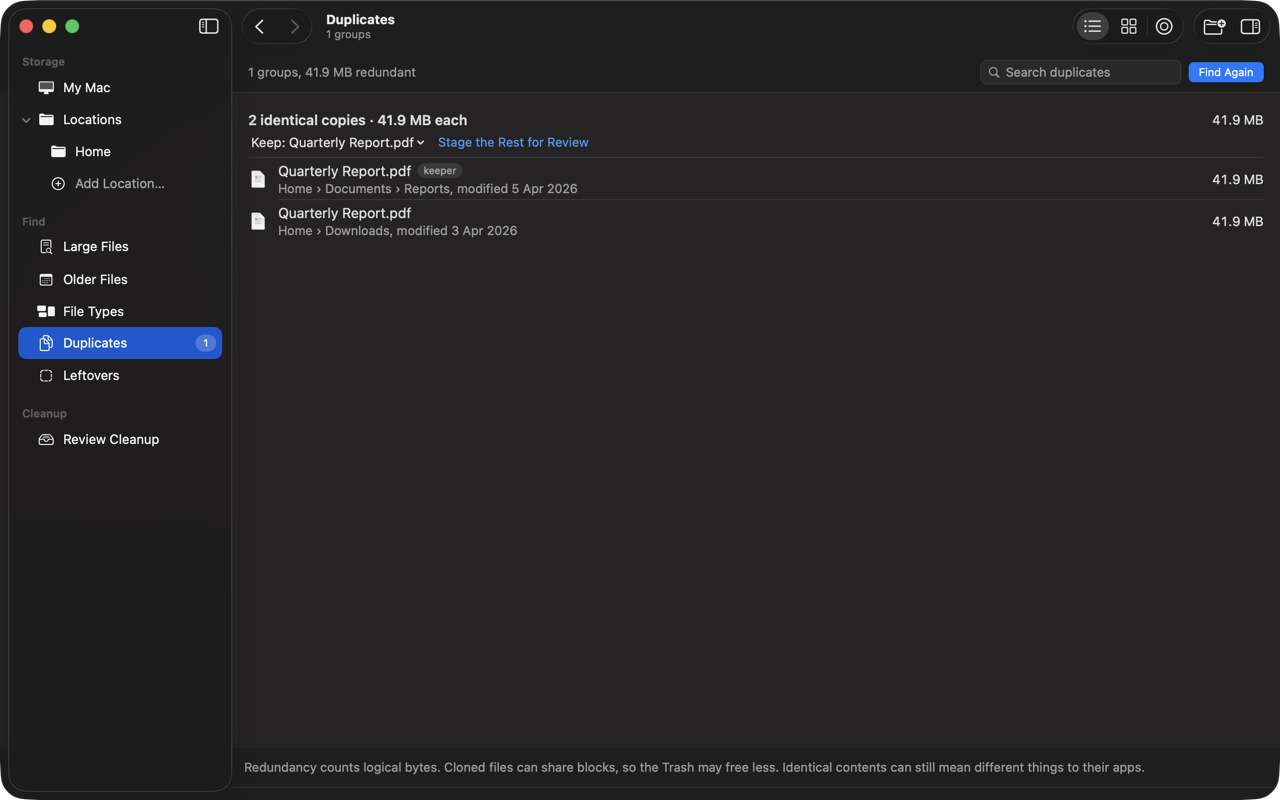
Duplicate finder

Detailed overview

Everything’s included:
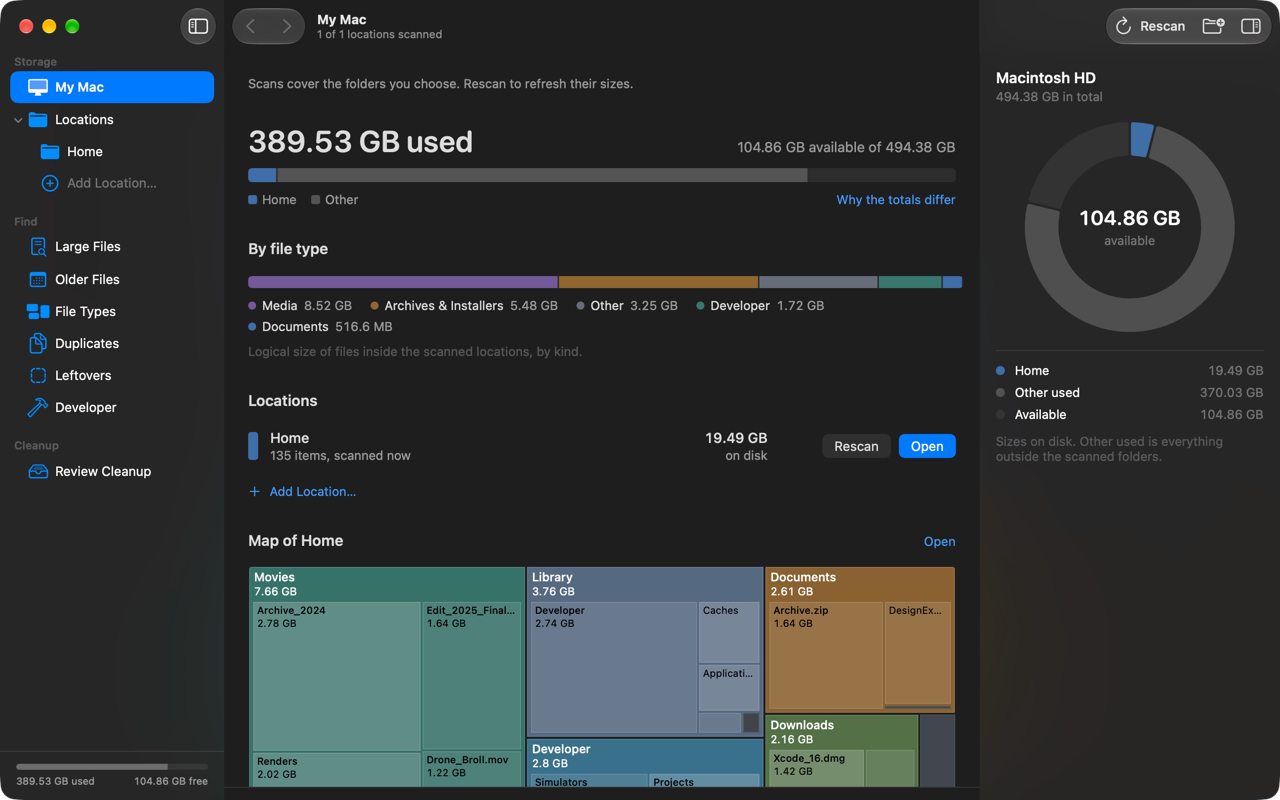
My Mac storage overview with live used and free space
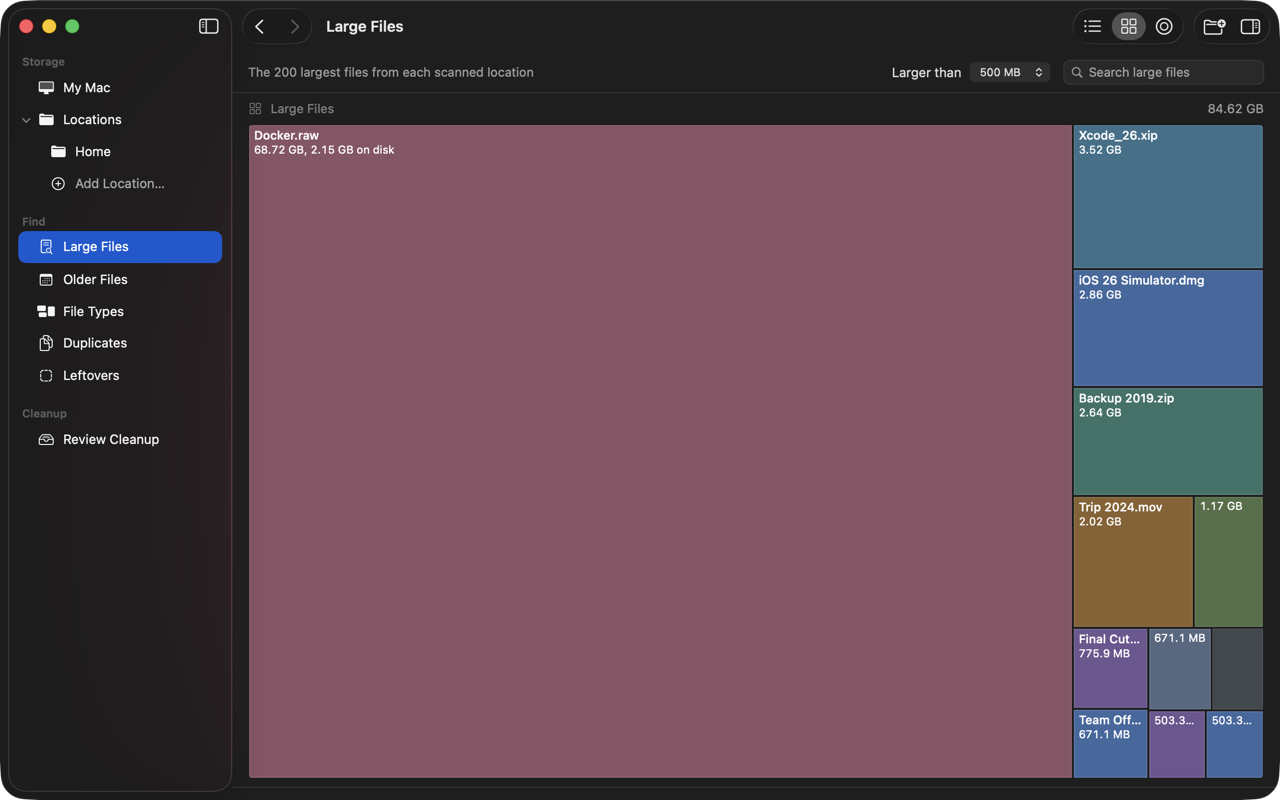
Treemap, sunburst and list views
Folder, external drive and network share scans
Large files, older files and file type breakdowns
Developer caches: Xcode, simulators, Homebrew, npm and more
Duplicates verified by file contents, extra copies staged in one step
App removal, related data and leftovers from removed apps
File size and size on disk, changes since your previous scan
Search, filters, exclusions, Quick Look and keyboard navigation
Review queue with live progress, rechecks and retry
Cleanup history and a Trash total that follows what you moved
Optional menu bar summary and finished-scan notifications
No account. No uploads. Your files stay on your Mac.

Screenshots & interface

Visual previews of the product interface.
3 screenshots
SpareDisk screenshot
Enlarge
SpareDisk screenshot
Enlarge
SpareDisk screenshot
Enlarge
Enlarged screenshot

Keep exploring

Similar tools

View category
Cal.com logo

Cal.com

16 clicks

Open-source scheduling infrastructure and customizable calendar booking platform for individuals and teams.

Raycast logo

Raycast

14 clicks

Blazingly fast, extendable desktop launcher for Mac and Windows with native AI, extensions, and window management.