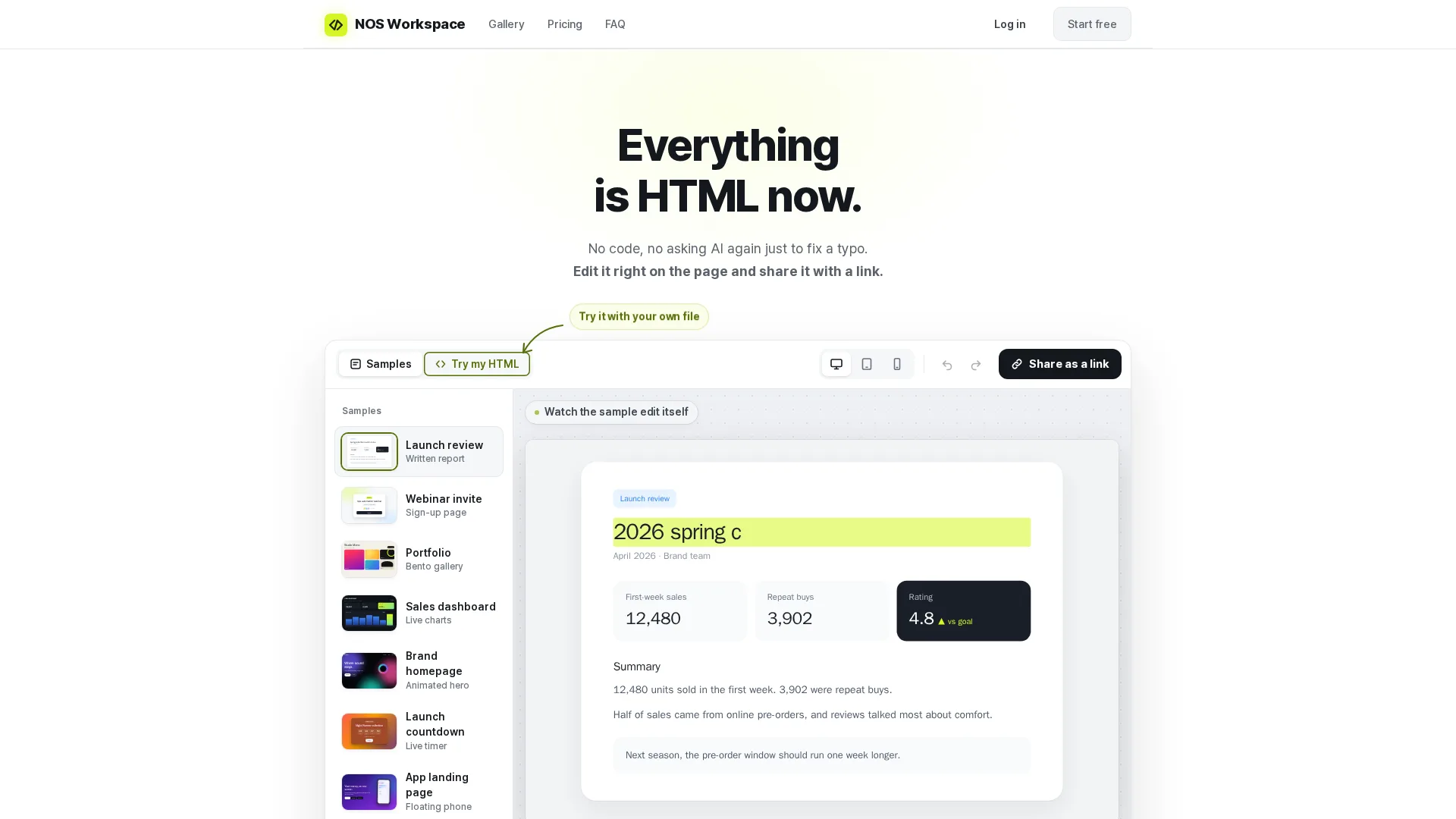
Keep documents and HTML pages together, edit text on the page, and share a public link.
Free plan
Loading page
Keep documents and HTML pages together, edit text on the page, and share a public link.
Visual previews of the product interface.
Keep exploring

13 clicks
Chrome and Edge extension that saves Gmail emails as PDFs in bulk, merges up to 50 into one PDF to save or print, and keeps attachments.

24 clicks
Novastart brings apps and files onto an infinite canvas where people and AI agents can work together.
51 clicks
Find the big files, forgotten backups and duplicate downloads filling your Mac. Review what you remove. Keep what matters.

38 clicks
Open-source scheduling infrastructure and customizable calendar booking platform for individuals and teams.

35 clicks
Blazingly fast, extendable desktop launcher for Mac and Windows with native AI, extensions, and window management.