Inspect the end of a video and save a selected frame as a PNG, directly in your browser. Free and no account required.
Free plan
Loading page
Inspect the end of a video and save a selected frame as a PNG, directly in your browser. Free and no account required.
Keep exploring

2 clicks
Type your name and see it in real cursive fonts, ready to download as PNG or SVG.

11 clicks
Turn text ideas or photos into coloring line art. Free watermarked AI previews; generated PNG downloads use one-time credits.
10 clicks
Translate manga and manhwa images as well as PDF files into Arabic, featuring text recognition, background restoration, automatic layout adjustment, a...
24 clicks
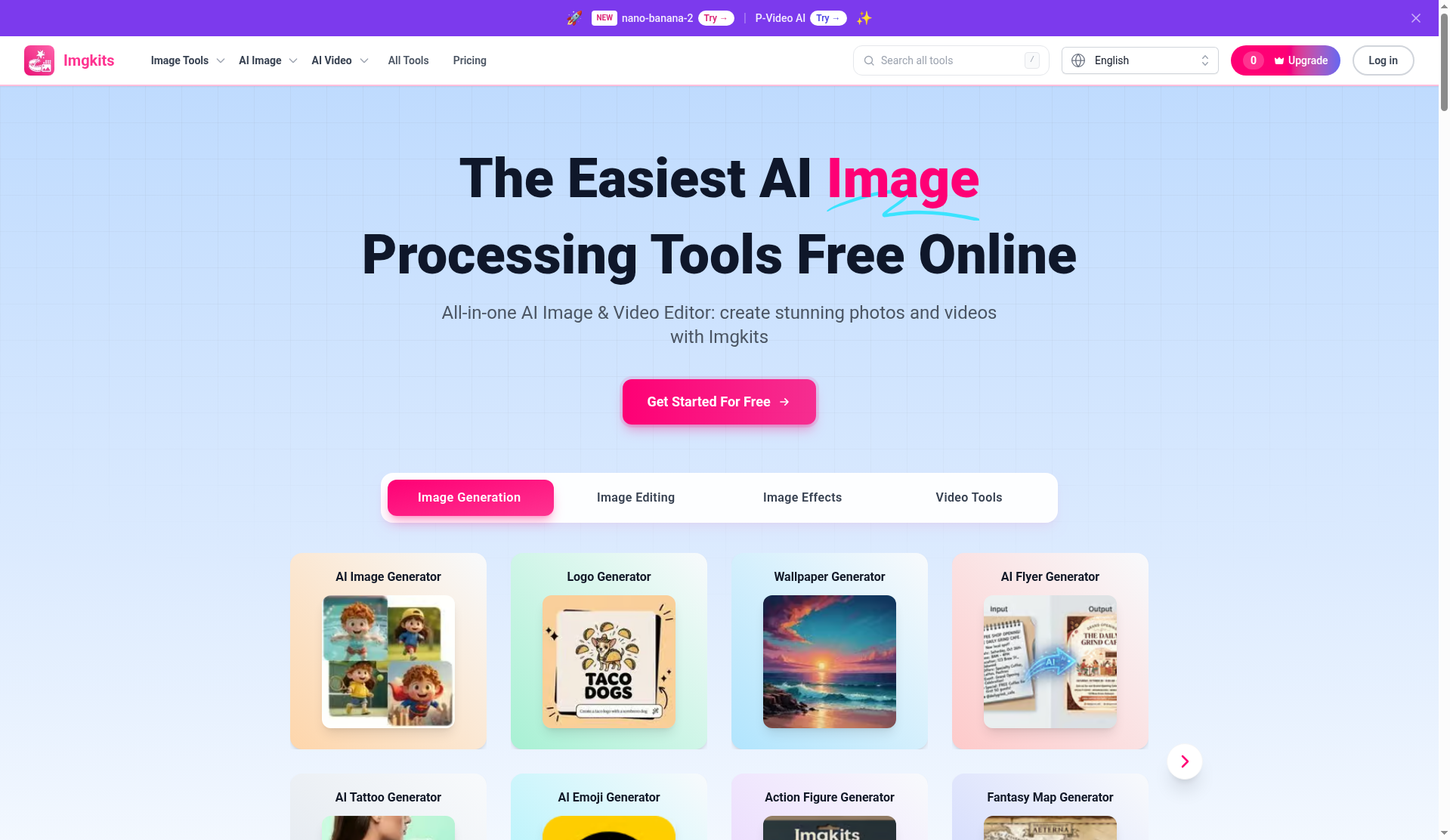
Imgkits is an all-in-one online AI-powered image and video editing platform for removing objects, restoring photos, editing backgrounds, enhancing ima...

51 clicks
44 fast, privacy-first image tools in one place. Compress, resize, convert, crop, watermark, remove metadata, and more. No upload, no signup, no water...
34 clicks
AI design canvas generating editable vector SVGs, 3D icons, and brand illustrations with consistent palettes.